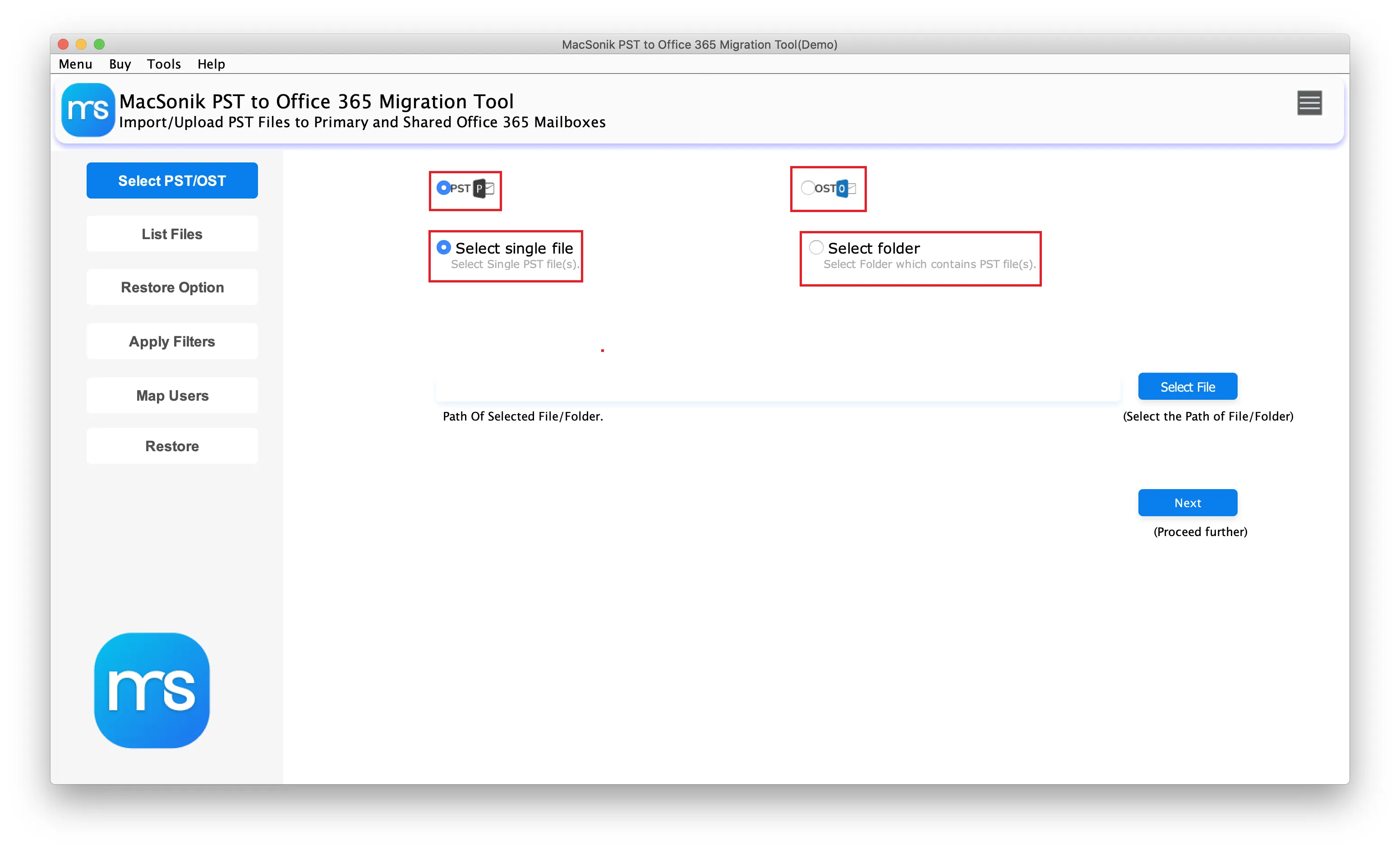
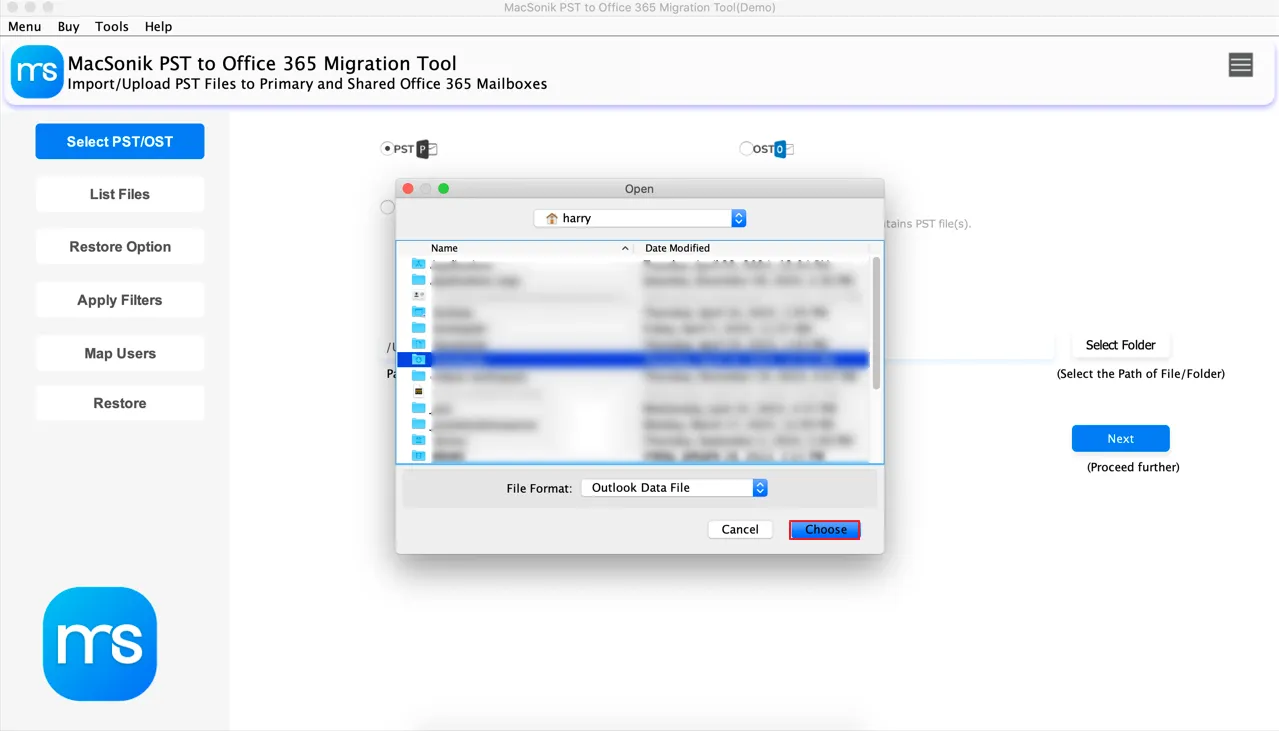
Migrating Multiple PST Files
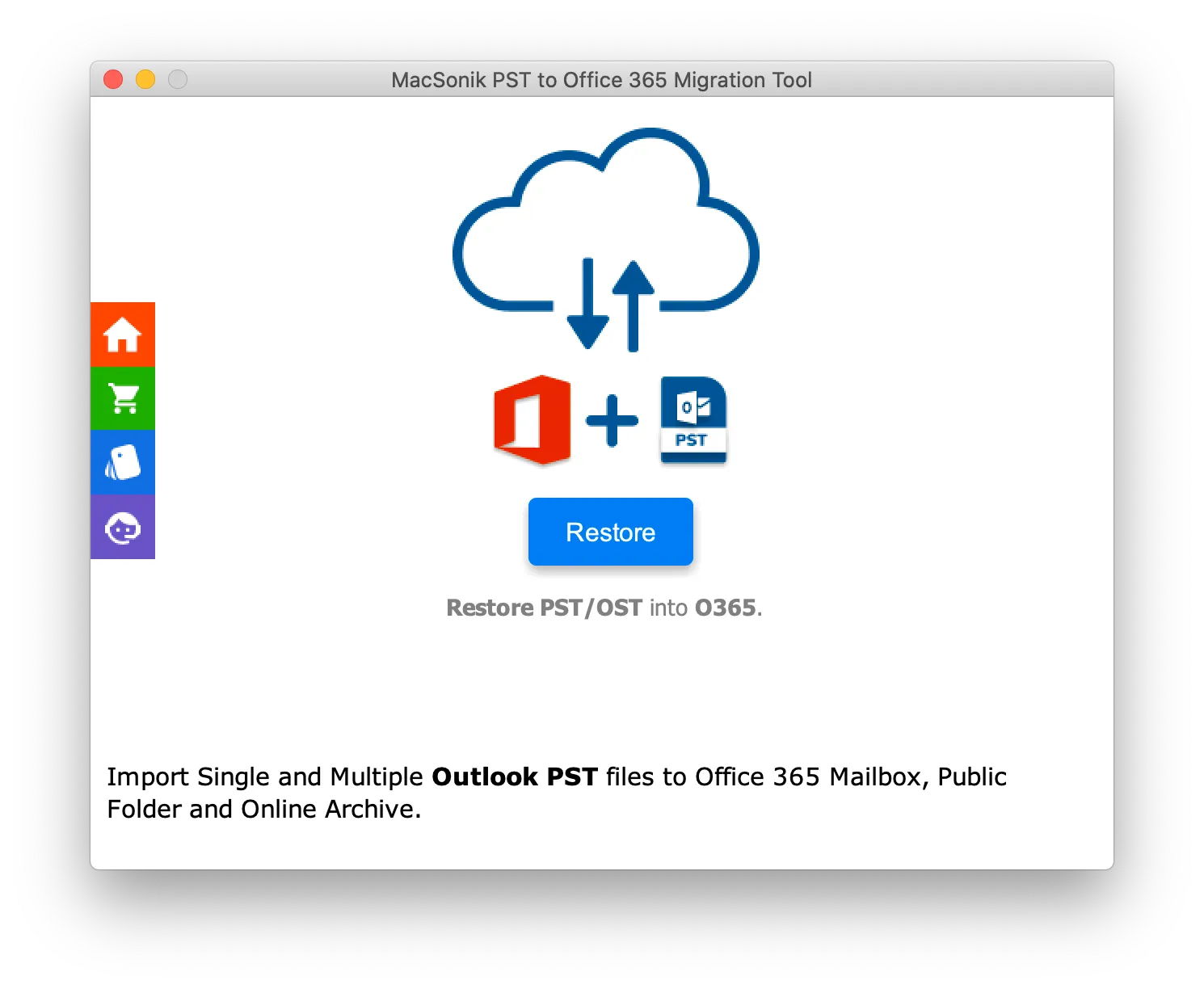
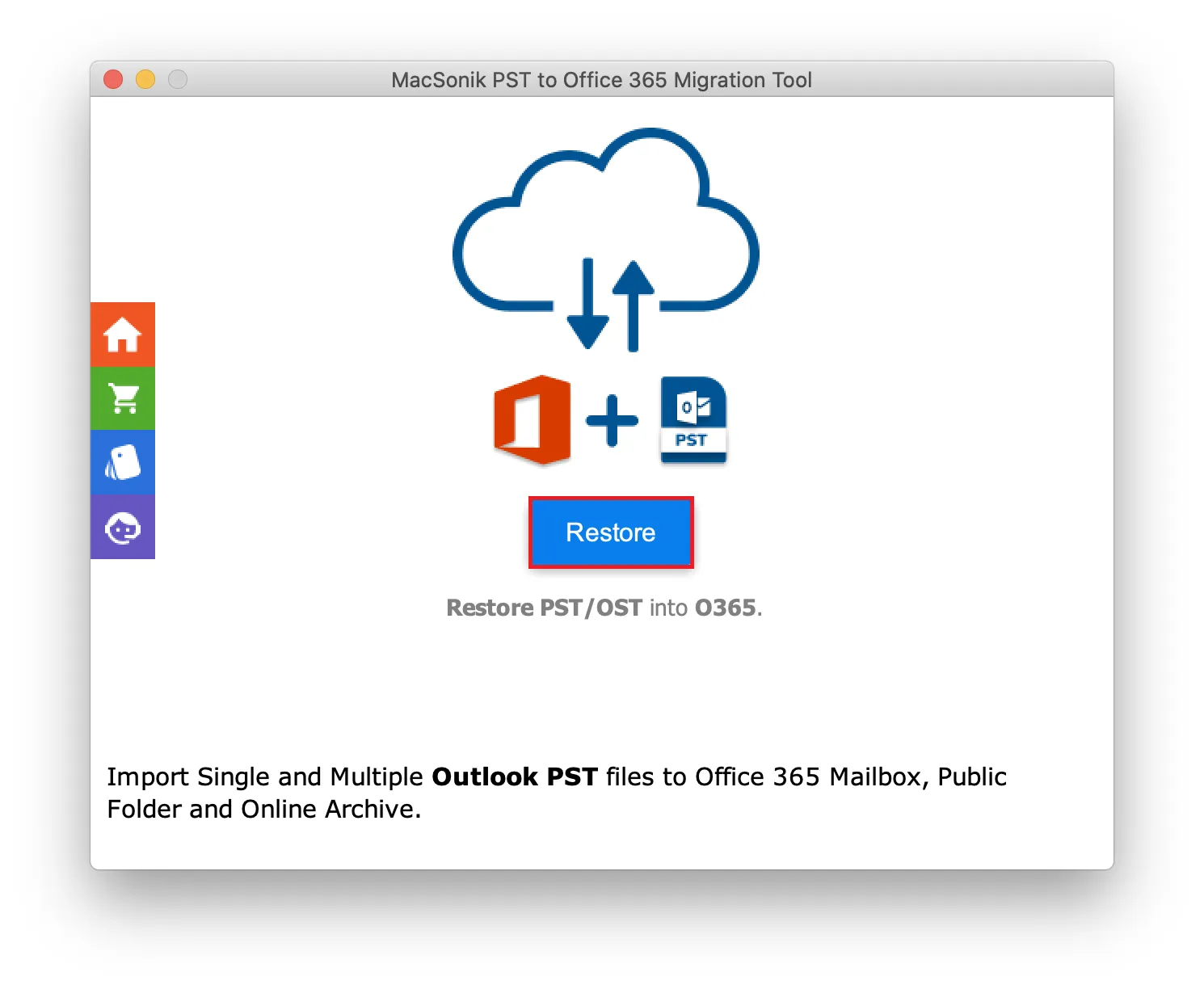
The best PST to Office 365 Migration Tool is suitable for importing single or multiple PST files into Office 365 efficiently and smoothly. It supports migrating both small and large PST files without size limitations. Also, it ensures data integrity and prevents loss or corruption throughout the process.

Remove Identical Data
This Import PST to Office 365 Tool offers various incredible features to simplify the process including eliminating duplicate data. This smart utility detects and excludes duplicates based on specified criteria without compromising data integrity throughout the migration process.

Migration Without Attachments
The advanced PST to Office 365 Converter Tool offers customizable migration options to meet user preferences. This software allows users to import PST files into Office 365 with or without the attached files. Besides, the original folder hierarchy will be maintained whether this feature is enabled.

Advanced Date Mail Filter
The PST to Microsoft 365 Migration Software includes advanced features such as selective email migration. By enabling the date mail filter and specifying a start and end date, users can ensure that only emails within the defined date range are migrated, optimizing the transfer process.
| Product Features | Free Version | Full Version |
|---|---|---|
| Import PST to Office 365 Tool | 50 emails per folder | |
| Import OST to Office 365 | 50 emails per folder | |
| Multiple PST file conversion | ||
| Exclude Identical Emails | ||
| Migration with no attachments | ||
| Split output large PST file | ||
| Use date mail filter | ||
| Desired Path or Name | ||
| Download and Purchase | Download | Buy Now |

System Requirement
Operating System: macOS 10.13 High Sierra, macOS 11 Big Sur, macOS 12 Monterey, macOS 13 Ventura, macOS Sonoma, and later versions macOS (10.15 "Catalina")
Processor: Apple Silicon M1, M2, M3, M4, and newer Apple Silicon processors (including M5)
Ram: Minimum 4 GB (8 GB Recommended)

About Software
Version: 25.02
License Tyes: Home | Corporate | Technical
Additional Information
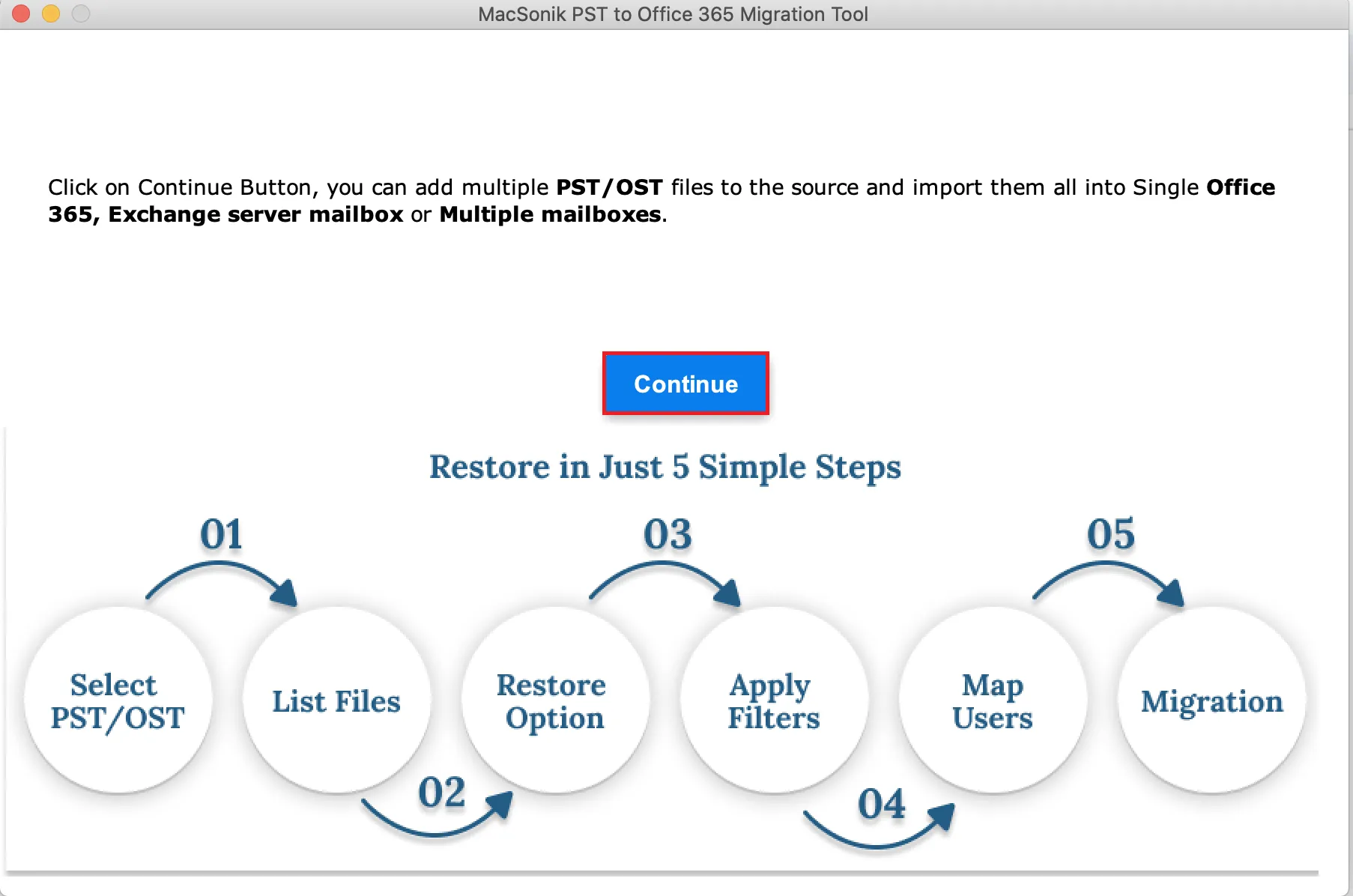
To run this tool smoothly on Mac, follow the below-mentioned steps:
Ans: To complete this process without hassle, follow the steps below correctly.
Ans: Yes, this software is secured for the migration as it delivers results efficiently while maintaining data integrity.
Ans: Using MacSonik PST to Office 365 Converter, users can exclude similar data and import unique into Office 365.
Ans: Yes, you can easily import single or multiple PST files into Microsoft Office 365 simultaneously.
Ans: This software effectively works on all Macintosh versions, including the latest and oldest. It can also be used on Windows OS.
Ans: With the help of this wizard, you can choose to migrate emails either with or without the attached files.
Ans: When an application requests access that is broader than a single user’s data, Admin consent is required, For instance, access that includes organization-wide or multiple-user resources. In these instances, only a Microsoft 365 administrator can grant the login because this ensures compliance while securing data access throughout the tenant.
Ans: Yes. It is compulsory to enable user sign-in for Modern Authentication. To generate the authentication token, it is necessary to enable the sign-in access for Modern Authentication. If it is disabled, the application will not to be able to access the user data. Therefore, before using Modern Authentication, make sure the user sign-in is enabled for accessing the data.

Can’t find the answer you’re looking for? Please chat with our friendly team.
Get in TouchRead about the experiences of a few MacSonik clients who have used these well-versed tools.