Securely Convert vCard to CSV File
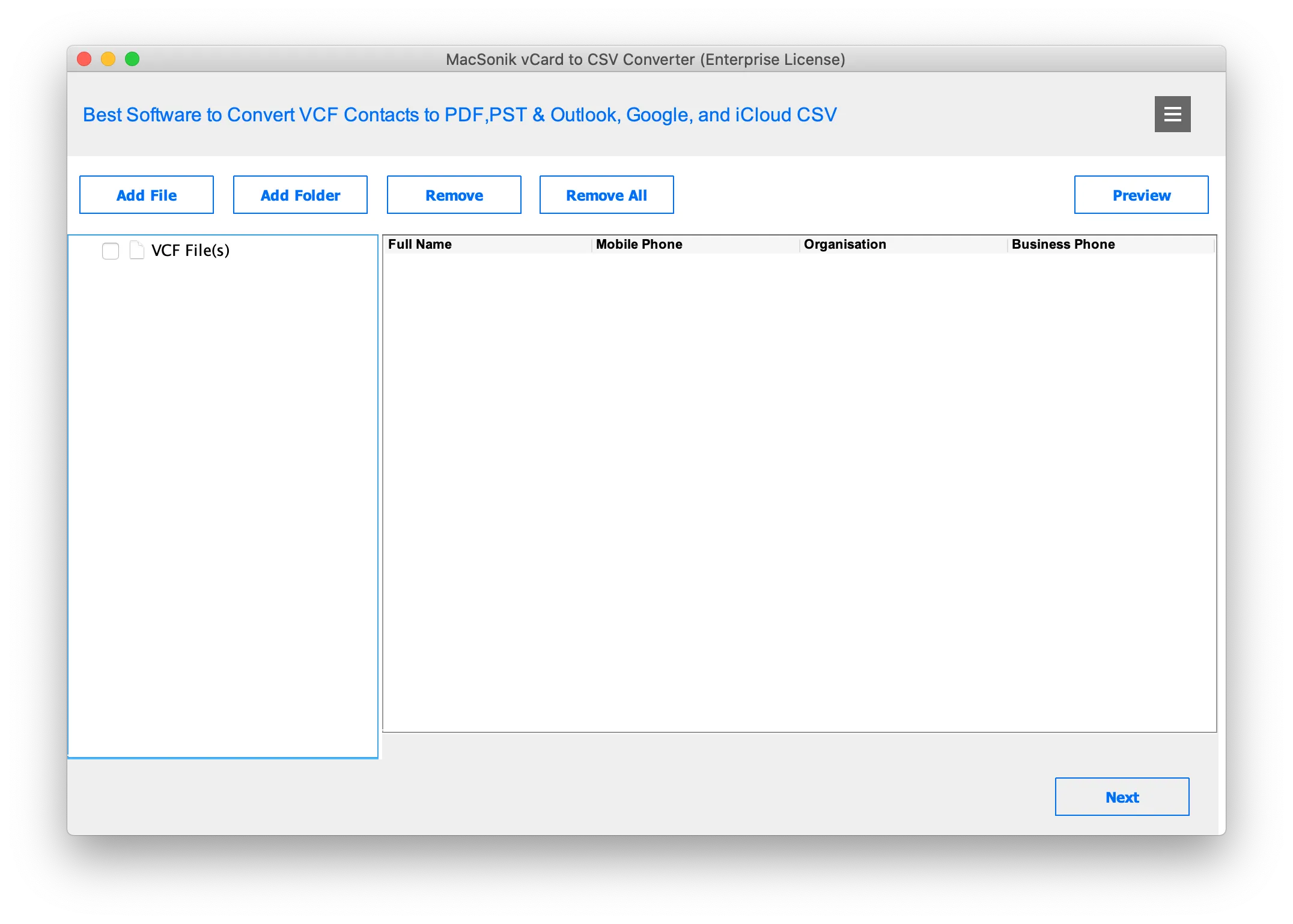
The MacSonik vCard to CSV Converter accurately converts your vCard (VCF) files into CSV format. The converter tool guarantees zero data loss throughout the conversion. Its advanced technology supports bulk conversion of large VCF files with multiple contacts. Also, it exports them into CSV and other file formats.

Convert vCard to Multiple CSV Formats
The VCF Contacts to CSV Converter converts vCard/VCF to CSV for different email clients. The software exports VCF files into Outlook CSV, Google CSV, Yahoo CSV, and iCloud CSV formats. In addition to this, it offers a direct option to convert VCF to PST, making the process of importing contacts into Outlook quick and hassle-free.

Export vCard to Excel & PDF Formats
If you want to convert VCF to Excel or PDF, the MacSonik vCard to CSV Exporter quickly exports multiple VCF files to PDF, Excel, and DOCX formats. The converter tool ensures that the original data structure remains intact. Users can also save contacts in Excel format, without installing spreadsheet software.

Preview vCard (VCF) Contact Details
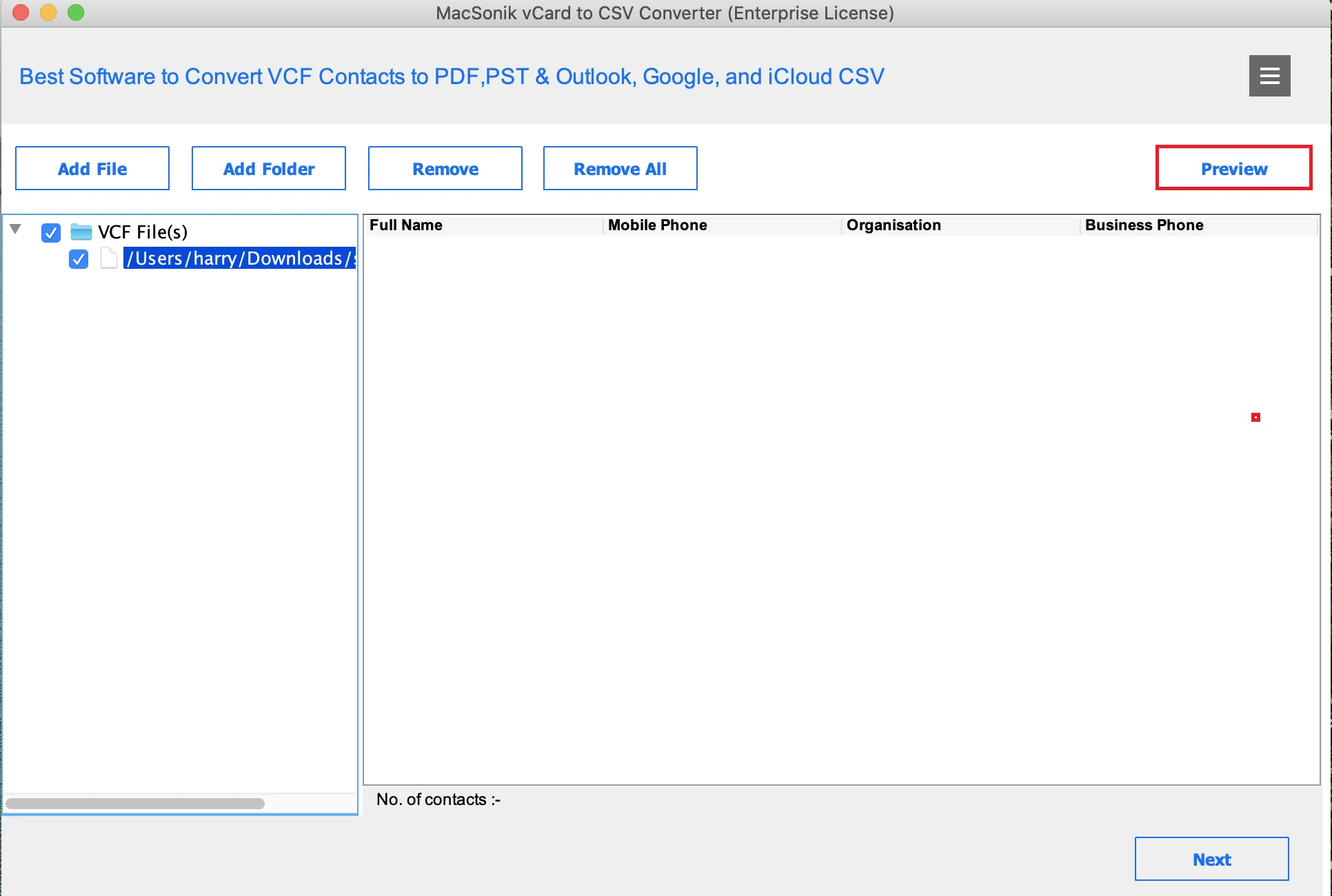
VCF to CSV Converter lets you check and preview all the essential details of a VCF file before conversion. It shows personal info, addresses, phone numbers, and other contact data. The Search feature allows searching for multiple contacts at once using commas, ensuring precise conversion of all file attributes.

Bulk vCard (VCF) File Processing
The VCF contacts to CSV Converter is a powerful tool to convert multiple VCF files to CSV in bulk. It maintains 100% data integrity, allowing users to add unlimited vCard files with thousands of contacts. Also, ensures fast and reliable conversion with its high-performance algorithms.

Password-Protect PDF Documents
Secure your vCard contacts with the MacSonik VCF File Converter. Users can encrypt and set passwords on PDFs with vCard contacts. Even when sharing PDFs, this feature guarantees secure accessibility only for authorized users to view the contact information.

Manage Contact Fields Effectively
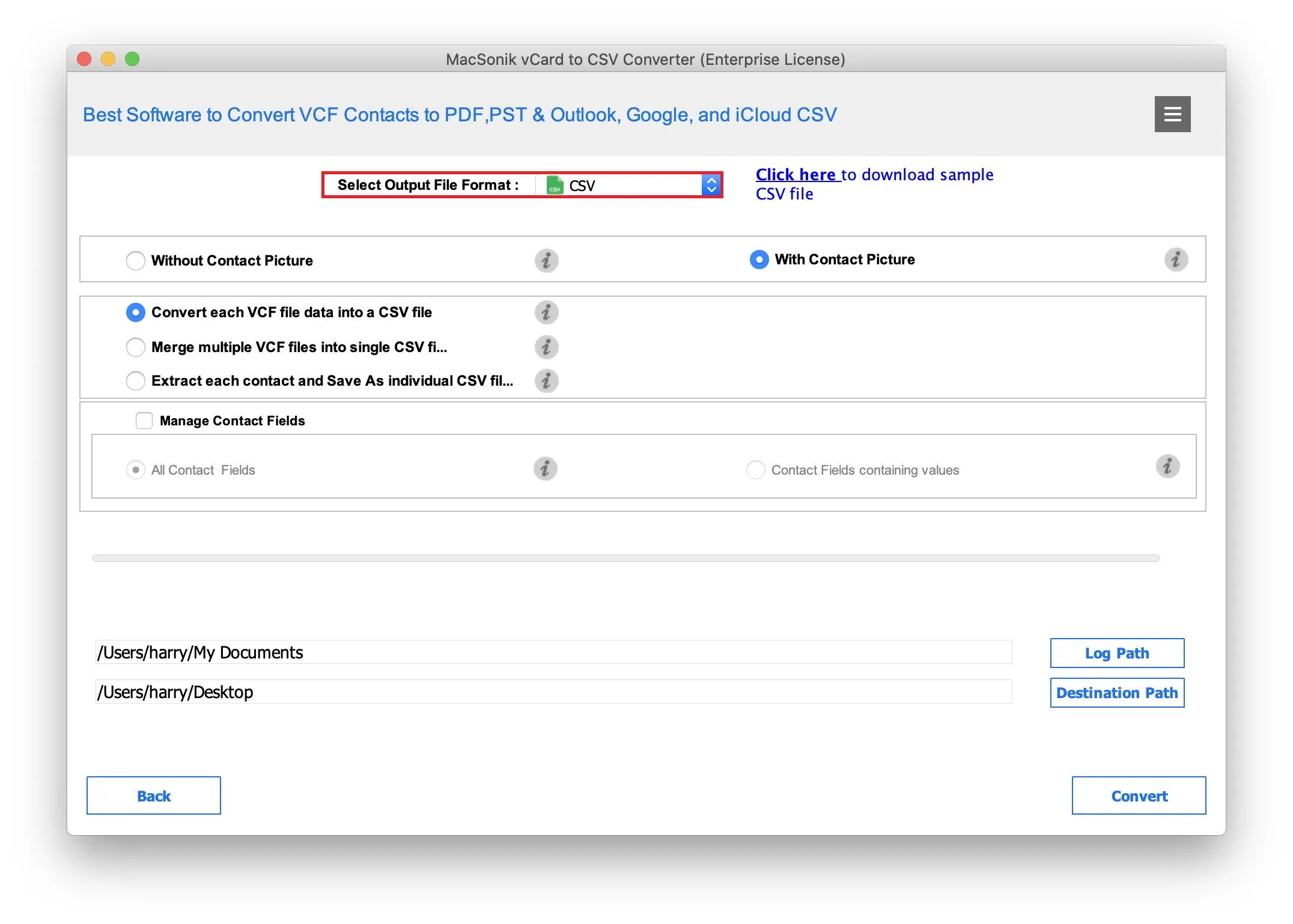
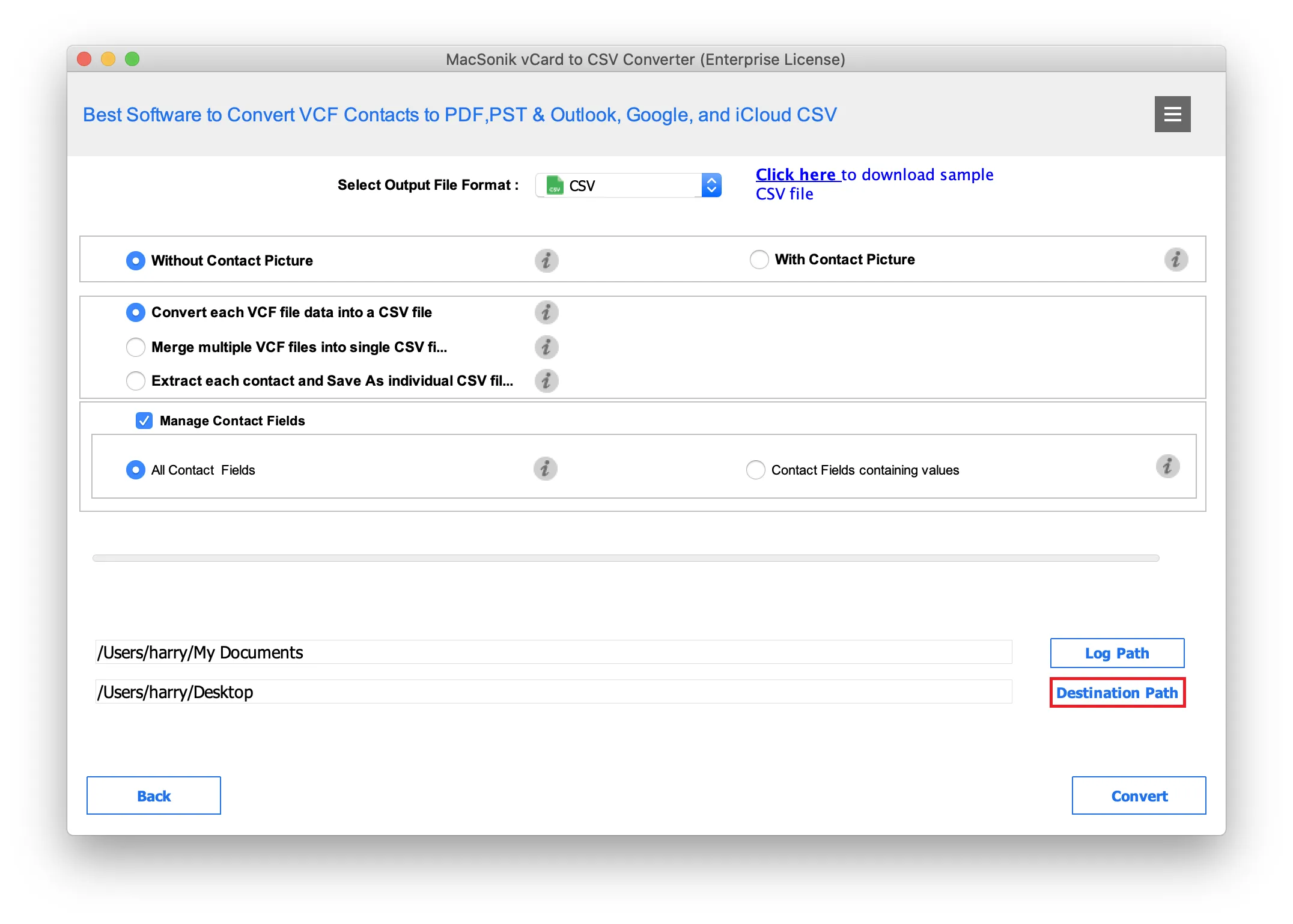
The software manages empty fields when converting multiple vCard files. It offers two options: convert all contact fields or convert only fields with data. Excluding empty fields ensures that your converted CSV, PDF, Excel, and DOCX exports are clean and accurate.

Free OneDrive Duplicate File Finder
Test all features of the tool with the vCard to CSV Converter free demo version before purchase. It offers users the opportunity to explore all the features with limited files and contacts. Moreover, the tool is compatible with all Windows versions.
Ensure that all the mentioned requirements of the software are fulfilled to operate it smoothly.
Trial Limitations
Run the Free VCF File Converter to test all the functions of the utility before buying it. it Works with Only 5 VCF Files and Converts 10 Contacts Per VCF

System Requirement
Operating System: macOS 10.13 High Sierra, macOS 11 Big Sur, macOS 12 Monterey, macOS 13 Ventura, macOS Sonoma, and later versions macOS (10.15 "Catalina").
Processor: Apple Silicon M1, M2, M3, M4, and newer Apple Silicon processors (including M5)
RAM: Minimum 4 GB (8 GB Recommended)

About Software
Version: 25.07
Size: 192 MB
Release Date: 13th July, 2025
License Tyes: Home, Administrator, Technician, and Enterprise

Software Prerequisites
Additional Information
To run this tool smoothly on Mac, follow the below-mentioned steps:
| Product Features | Free Version | Full Version |
|---|---|---|
| Convert vCard to CSV and other formats | Works with Only 5 VCF Files and Converts 10 Contacts Per VCF | All |
| Effortlessly Import vCard File to Outlook CSV, Google CSV, Yahoo CSV, and iCloud CSV | Works with Only 5 VCF Files and Converts 10 Contacts Per VCF | All |
| Easily Export vCard to Excel, DOCX, and PST | Works with Only 5 VCF Files and Converts 10 Contacts Per VCF | All |
| Convert CSV to PDF File Format | Adds Watermark | No Restrictions |
| Preview VCF File Details before final save | ||
| Batch Add VCF Files for fast & efficient conversion. | ||
| Save Contacts with or without Profile Pictures | ||
| Multiple Saving Options for CSV, Excel, PDF, DOCX | ||
| Either Convert all Contact Fields or Only Fields with Data | ||
| Supports vCard (VCF) Files | ||
| 24*7 Tech Support | ||
| Download and Purchase | Download | Buy Now |
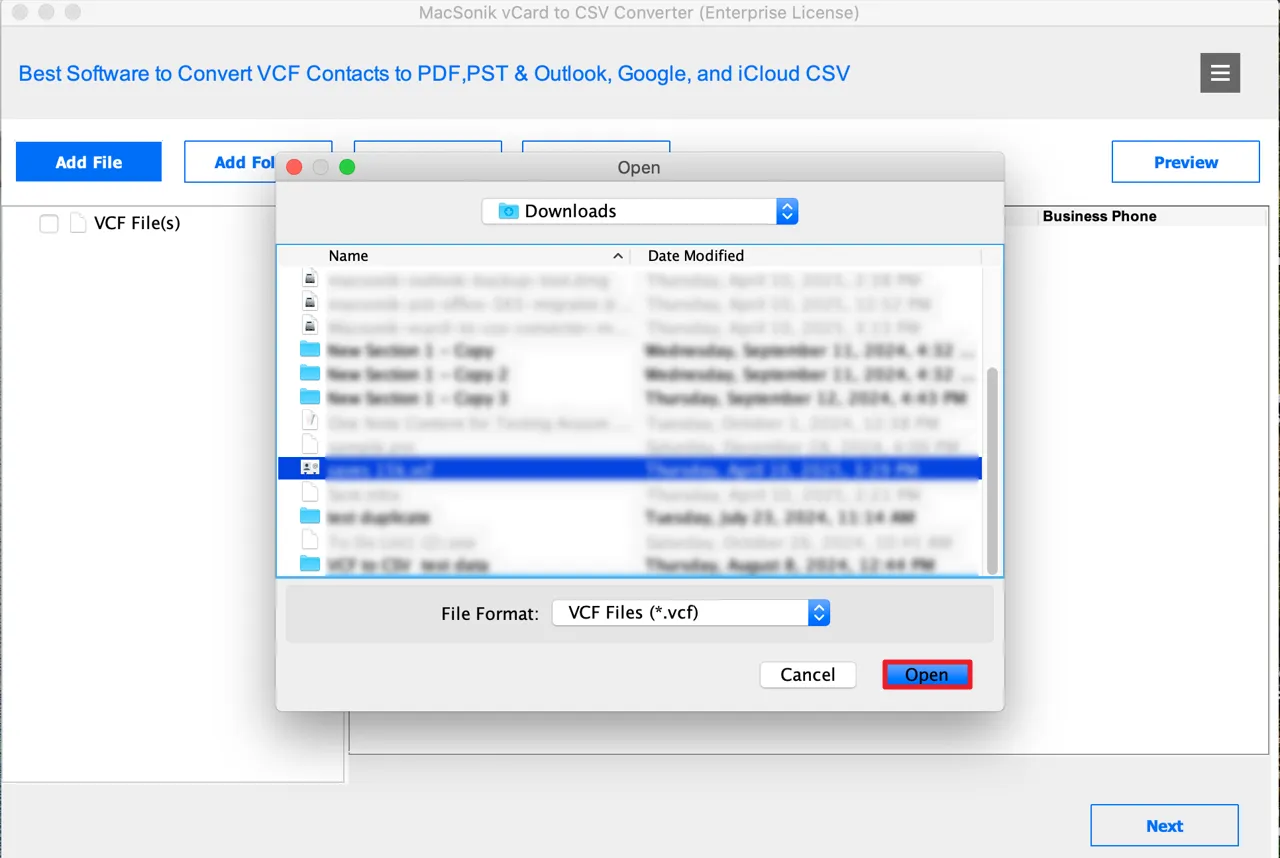
Ans: The easiest way to convert VCF to CSV is by using the MacSonik vCard to CSV Converter. Here are the steps to follow:
Ans: This software is the best VCF to CSV Converter for managing contacts in multiple VCF files in one go. It supports bulk VCF file conversion regardless of file size.
Ans: The MacSonik VCF File Converter easily extracts emails and contact numbers from vCard files. And then export them into CSV or Excel format for organized contact storage.
Ans: Yes, the MacSonik vCard to CSV Converter gives an option to export contact pictures/images too. One can choose to either include or exclude contact photos while saving VCF contacts to CSV.
Ans: Aryson’s VCF to CSV Converter provides multiple saving options for VCF to CSV conversion. Users can either merge multiple VCF files or save each VCF contact as a separate CSV file.

Can’t find the answer you’re looking for? Please chat with our friendly team.
Get in TouchCheck here the Verified Purchase Reviews of the vCard To CSV Converter Software.