A professional-grade converter tool designed to secure large PST volumes in a structural MBOX format for long-term use and data backup.
Bulk PST to MBOX File Conversion
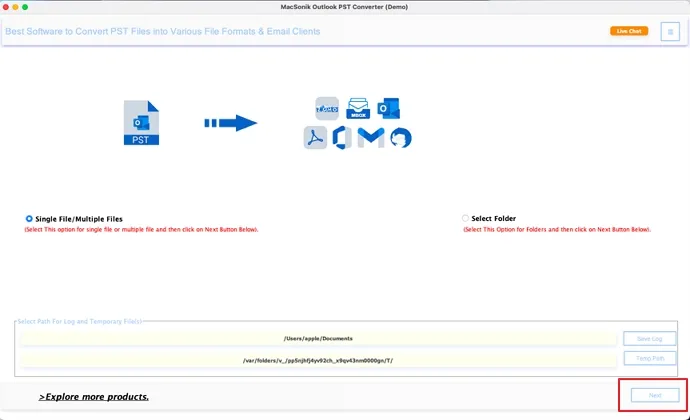
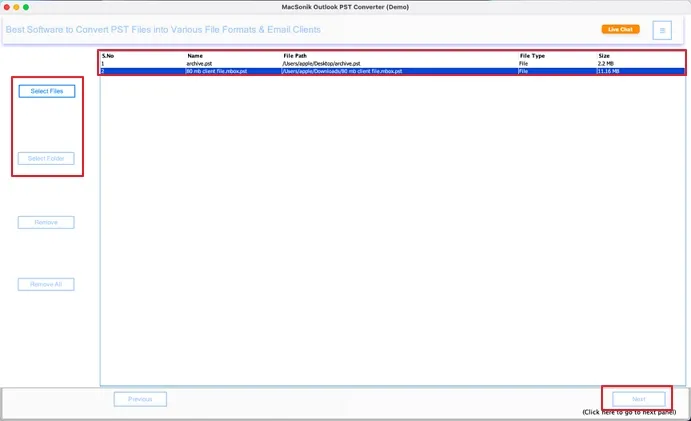
PST to MBOX File Conversion Tool allows you to import and convert multiple Microsoft Outlook PST files simultaneously in a single operation. Designed for large-scale migrations, the software ensures the complete transfer of emails and attachments while maintaining performance efficiency, accuracy, and operational continuity.
Outlook to MBOX Platform Migration
MacSonik PST to MBOX Converter empowers organizations to move from Outlook to leading MBOX-supported platforms such as Thunderbird, Netscape, SeaMonkey, Apple Mail, Netscape, etc. with speed and precision. It helps accelerate the cross-platform export without operational disruptions.
Complete Outlook Mailbox Preview
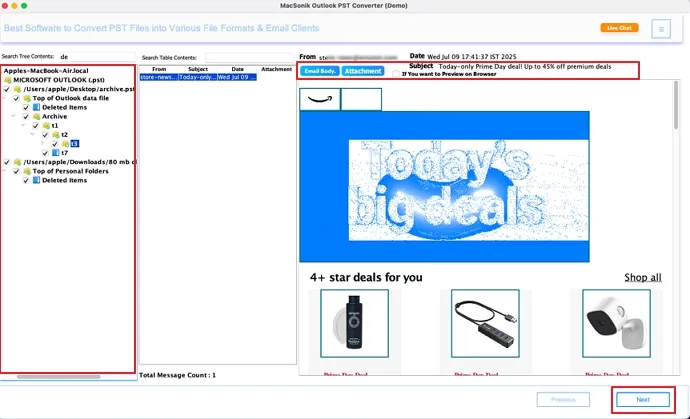
PST to MBOX conversion with this converter tool is more appropriate as it delivers a preview panel to check PST data. It displays detailed email attributes and has an option to preview in a browser. Also, the Search Tree Content and Search Table Content option makes search easy and secure.
Assured Data Integrity Preservation
This unique converter tool is engineered to maintain full data fidelity throughout the migration. It accurately preserves critical metadata, original formatting, attachments, and embedded elements. This ensures complaint conversion without data alteration or loss.
Advanced Date-Based Email Filtering
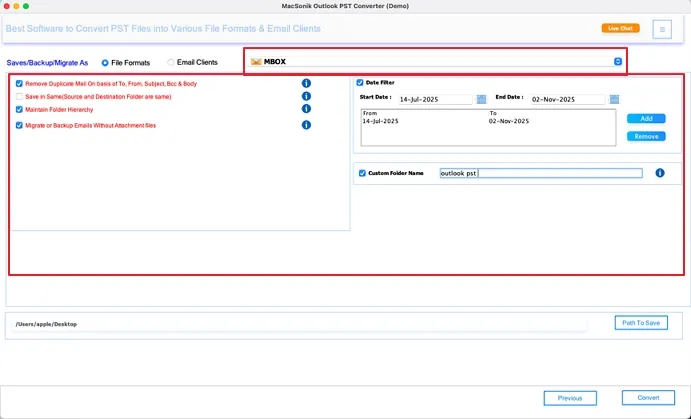
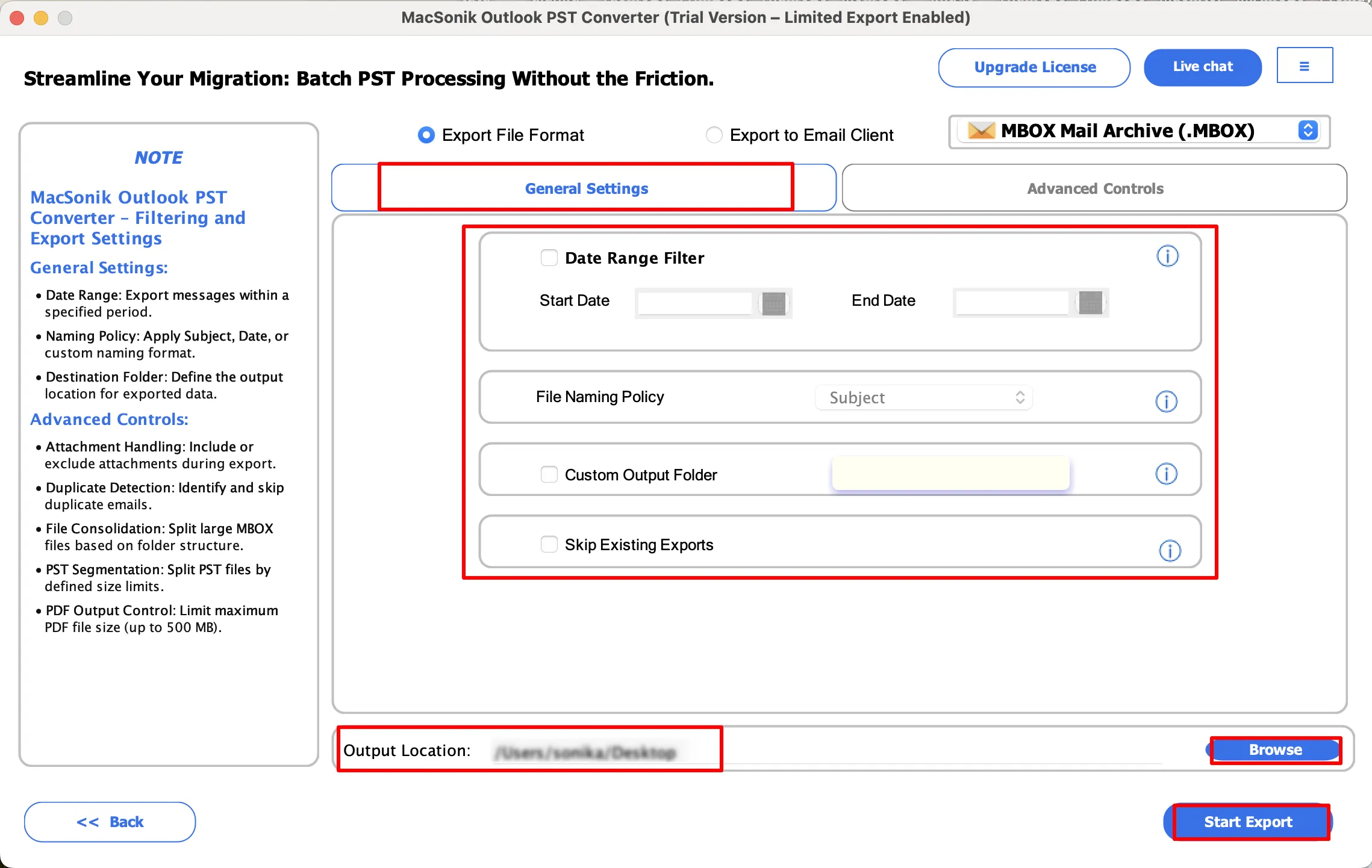
The dedicated converter tool includes a powerful Date Filter that enables selective Outlook PST conversion for a specific timeframe. By applying custom date parameters, organizations can migrate only specific emails from the selected PST files, optimizing data volume and aligning email exports.
Intelligent Folder Hierarchy Handling
MacSonik PST File to MBOX Converter provides advanced control for structural data organization with the Maintain Folder Hierarchy filter. It ensures complete structural continuity, offering optimized, organized, secure, and business-ready Thunderbird MBOX file outputs for all.
De-Duplicate PST Before Conversion
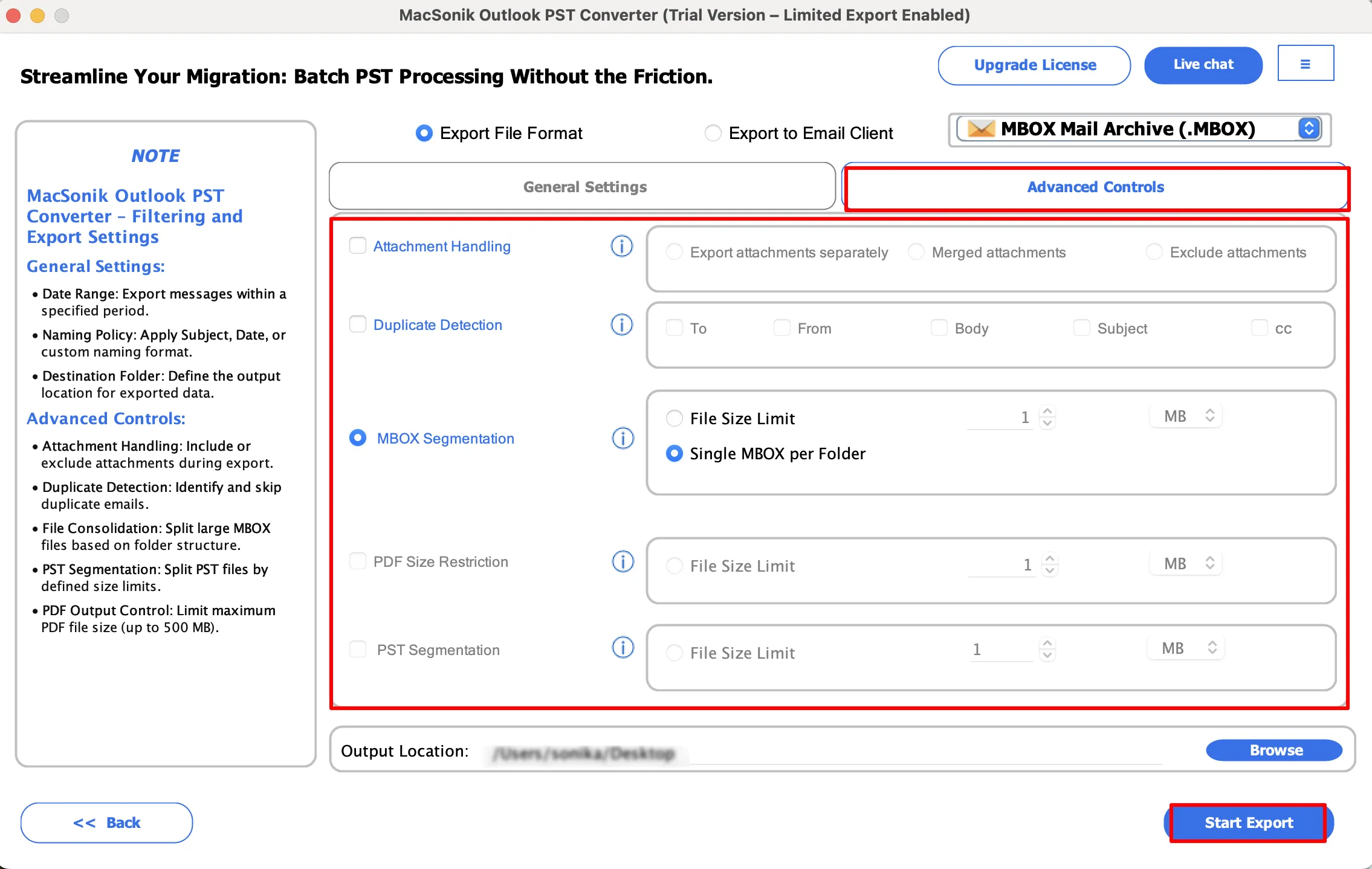
MacSonik Outlook PST to MBOX Converter incorporates a Remove Duplicate feature to skip redundancy based on To, From, Subject, Body, and Bcc. It provides a clean and optimized MBOX output, reducing overheads and increasing storage efficiency.
Attachment Control & Output Saving
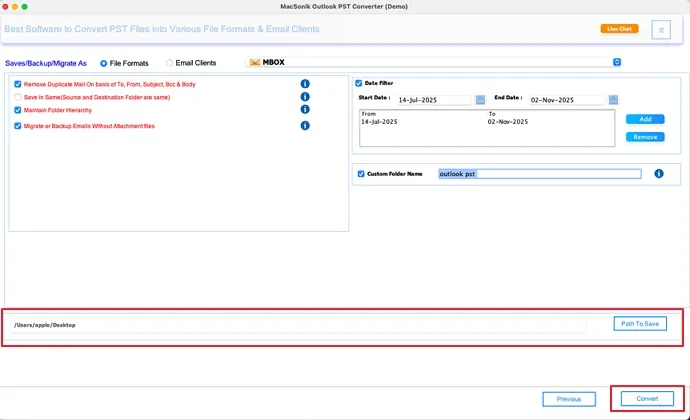
The amazing PST to MBOX Converter Software offers flexibility to migrate emails with or without attachments with a Custom Folder Name for easy identification. It also allows saving output MBOX at another or the same location with the Save in Same filter.
User-Friendly Converter Software
This PST to MBOX Converter features a straightforward conversion with an interactive interface. Its intuitive GUI eliminates the need for technical expertise and is thus suitable for all beginner and expert users to efficiently convert Outlook emails, contacts, calendar, and more in minimal time without hassle, downtime, or loss.
Universal Software Compatibility
PST to MBOX Conversion Tool is designed with cross-platform compatibility across all Outlook, Windows, and 3macOS versions. It operates independently without an Outlook installation and allows saving 50 emails per folder with the Demo Version for evaluation and functionality check.
Demo Version
Try the free demo of MacSonik PST to MBOX File Conversion Tool to evaluate its features, accuracy, and performance. The demo lets you convert up to 50 emails per folder at no cost, helping you verify results before upgrading.
System Requirement For Mac
Hard Disk Space: 500 MB of free space required
RAM: Minimum 4 GB (8 GB Recommended)
Processor: Apple Silicon M1, M2, M3, M4, and newer Apple Silicon processors (including M5)
System Requirement For Windows
Processor: Intel or AMD (64-bit recommended)
RAM: Minimum 4 GB (8 GB Recommended)
Disk Space: 500 MB free space
Architecture: 64-bit preferred for optimal performance
About Software
Version: 26.02
Size: 268 MB
Release Date: 16 February, 2026
License Types: Home, Administrator, Technician, and Enterprise
Mac Operating System: macOS 10.13 High Sierra, macOS 11 Big Sur, macOS 12 Monterey, macOS 13 Ventura, macOS Sonoma, and later versions
Windows Operating System: Windows 11, Windows 10, Windows 8.1, Windows 8, Windows 7, and earlier versions
Supported Outlook Versions: Outlook 2019, 2016, 2013, 2010, 2007, 2003, and 2002
Installation Notes
Windows security settings may block new applications. If required, allow MacSonik PST to MBOX Converter through Windows Defender Firewall or your antivirus trusted list. You can keep system protection enabled after installation.
Software Prerequisites
Additional Information
To run this tool on a Mac without interruption, do the following:
Note: You usually don’t need to turn off the macOS firewall. If required, simply allow the app in security settings instead of disabling protection.
| Features | Free Version | Full Version |
|---|---|---|
| Bulk Convert PST to MBOX | 50 emails per folder | Complete Mailbox |
| No File Size Limitation | ||
| Preview Outlook PST Emails and Attachments | ||
| Date Filter | ||
| Maintain Folder Hierarchy | ||
| Remove Duplicate Emails | ||
| Migrate or Backup without Attachments | ||
| Custom Folder Name | ||
| Desired Path or Save in Same | ||
| 24*7 Tech Support | ||
| Download and Purchase | Download | Buy Now |
Ans: Yes, you can readily perform bulk PST conversion for large files with this smart converter tool without difficulties. With no size limits, it ensures a clean and precise conversion.
Ans: No, a Microsoft Outlook installation is not required for PST to MBOX Conversion. It works as an independent software.
Ans: This PST File to MBOX Converter Tool works locally and allows users to preview emails and attachments before conversion. Also, it has no storage and ensures 100% accuracy while retaining original data integrity and structure fidelity.
Ans: Yes, of course. This dependable MacSonik PST to MBOX File Conversion Tool supports PST files from all Outlook versions, including those earlier than 2007, like 2002 and so on.
Ans: Yes. This excellent utility supports converting all Outlook PST emails, contacts, calendars, notes, tasks, and journals directly to MBOX without duplicates.
Ans: Of course, you can. The Date Range filter allows you to convert emails for a specific period into MBOX, which you can later directly use in Thunderbird or any other MBOX-supported platform.
Ans: The Outlook PST to MBOX Converter Tool converts all single and multiple PSTs in batches to MBOX within minimal time with full data fidelity.
Ans: Yes. The MacSonik converter tool works for all versions of the Windows OS, including Windows 11, Windows 10, Windows 7, and others.
Can’t find the answer you’re looking for? Please chat with our friendly team.
Get in Touch