How to Convert ICS to Word on Mac Without Losing Event Details

Neeru Kuchhal

July 28th, 2026
User-Query:
“I have 15 ICS calendar files. It contains around 350 meeting schedules, 120 event reminders, and 80 appointment records collected over the past 12 months. I need to convert all of these ICS files into Word documents for reporting, auditing, and documentation purposes. What is the easiest and safest way to convert ICS to Word while preserving the original formatting and information accuracy?”
— Posted by “Emily Carter”
Introduction: ICS is a file format for storing calendar events, meeting invitations, reminders, and scheduling information. Users often use ICS files to share event schedules and maintain calendar backups. However, there are situations where users need to convert ICS file to Word for better readability, official documentation, or legal recordkeeping. Since Word does not directly support ICS files, the conversion process can become challenging. Therefore, this guide provides the best solutions to solve this problem. Apart from that, it also covers how the MacSonik ICS Converter Tool simplifies it.
Is ICS Better Than Word? Here’s How to Choose
|
Essential Aspects |
ICS File |
Word Document |
|
Calendar event file |
Text document |
|
Yes |
Yes (after conversion) |
|
Limited |
Fully editable |
|
Calendar app dependent |
Easy to read anywhere |
|
Limited |
Excellent |
|
Event scheduling |
Documentation and reports |
Common Reasons to Convert ICS to Word
- For creating printable event reports.
- Maintain official meeting records.
- To edit event details easily.
- Share schedules in universal document format.
- Archive calendar data securely.
- Also, to prepare event documentation for various purposes.
Manual Method to Convert iCalendar to Word
As Word does not support the ICS file, you can use the manual approach in that case. But do remember that this method is not risk-free, as it has its own disadvantages.
Method: Copy and Paste Calendar Details
- First, open the ICS file in a supported calendar application.
- Now, view the event details.
- Copy the content manually.
- After that, open Microsoft Word.
- Paste the event details into the document.
- Lastly, save the file in DOC or DOCX format.
Disadvantages: Manually Convert ICS to Word
- This process is not suitable for bulk ICS files.
- It is a very time-consuming process.
- There is a risk of missing event details.
- Sometimes formatting may break.
- Attachments and notes may not copy properly.
- Moreover, difficult for large calendar archives.
Effortless ICS to Word Conversion with a Pro Tool
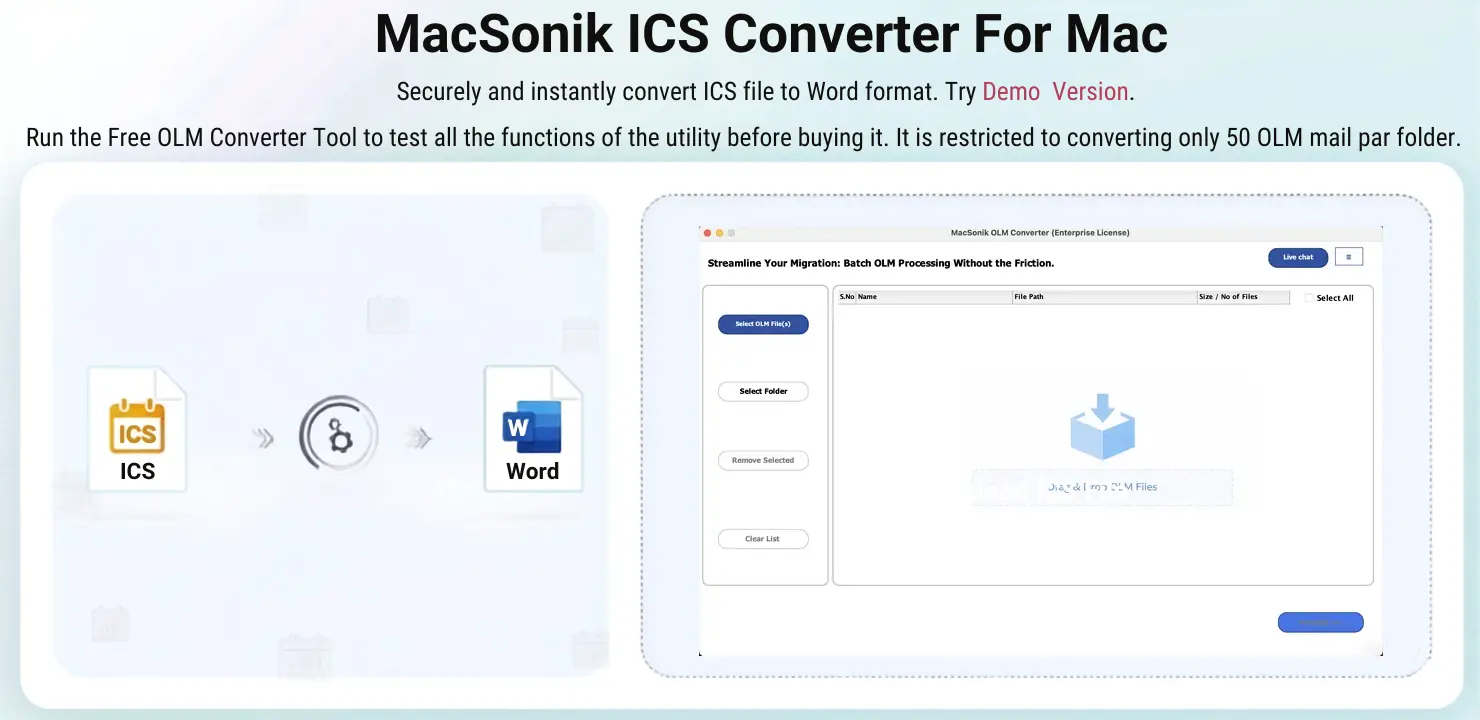
If you want a straightforward method, then use the MacSonik ICS File Converter to convert calendar files to Word. It supports bulk conversion and offers complete data integrity throughout the process. This software preserves the complete formatting and folder structure intact with zero information leakage. Additionally, this is a premium solution that allows you to convert ICS to EML and other supported compatible formats.
Important Note: You can also use the demo version of the MacSonik ICS Converter Tool.
One-Time Conversion Assistance Option
Need help with the conversion? Choose the One-Time Conversion Service for only $35, which supports ICS files up to 10 GB and is handled by experienced professionals.
Steps to Complete the Process Using the MacSonik Software
- Firstly, install and run the MacSonik ICS File Converter Tool.
- Click Add Files or Folders to add the ICS file that you wish to convert.
- Drag the tree hierarchy, preview the folder structure, and click Next.
- Furthermore, choose DOCX from the drop-down menu as the saving file format.
- Add the filters according to your needs and set the destination to save the file.
- Finally, click Convert to start the conversion process.
Security and Privacy at Every Step
- No event content is shared during conversion.
- Selective conversion by event or date range.
- Safe bulk conversion for large ICS files.
- Maintains original event properties and formatting.
- Read-only process keeps source files unchanged.
- Suitable for legal, business, and official documentation needs.
Real-Life Scenario: Corporate Meeting Documentation
A project management company needed to convert hundreds of ICS files into Word documents for client reporting and compliance records. The manual copy-paste method was too slow and risked missing important event notes. They used the MacSonik ICS Converter Tool to bulk export ICS calendars to Word. As a result, all event details were preserved accurately, making reporting faster and easier.
Read Also: Remove Duplicate Events in Google Calendar
Conclusion
In conclusion, converting ICS files to Word helps users create readable, editable, and printable event documentation. While manual methods are possible, they become inefficient for multiple files and may risk missing event details. Therefore, using the ICS Converter Tool is the most reliable solution to convert ICS to Word. Afterwards, if you need any help, reach out to our support team.
Frequently Asked Questions
Ans. No, Microsoft Word does not natively support ICS files because they are designed for calendar applications. To view or edit ICS data in Word, you first need to convert the file into a Word-compatible format like DOC or DOCX using a manual or professional ICS conversion method.
Ans. Yes, a reliable MacSonik ICS conversion tool can preserve recurring event details such as frequency, dates, and reminders during the conversion process. This ensures that repeated meetings or schedules remain properly documented in the Word file without losing important event patterns.
Ans. It depends on the conversion method. Manual copy-paste methods may skip attachments or linked resources, while an advanced MacSonik ICS conversion tool can preserve event-related notes, links, and attached details wherever supported, ensuring more complete event documentation.
Ans. Yes, calendar data such as event title, description, date, time, location, attendees, and notes can be migrated into editable Word documents. This allows users to modify, print, share, or archive calendar information more conveniently for business or personal use.
About The Author:
I am Neeru Kuchhal, a Technical Content Writer who focuses on turning complex ideas into clear, engaging, and impactful content. I combine creativity with strategy to write blogs, web content, and technical articles that connect with the right audience and support brand goals. I believe great content is not just written. It is thoughtfully created to inform, build trust, and drive action.
Related Post
